Changelog

Follow new updates and improvements to Locu.

v0.34.0 - Collapse tasks and sections
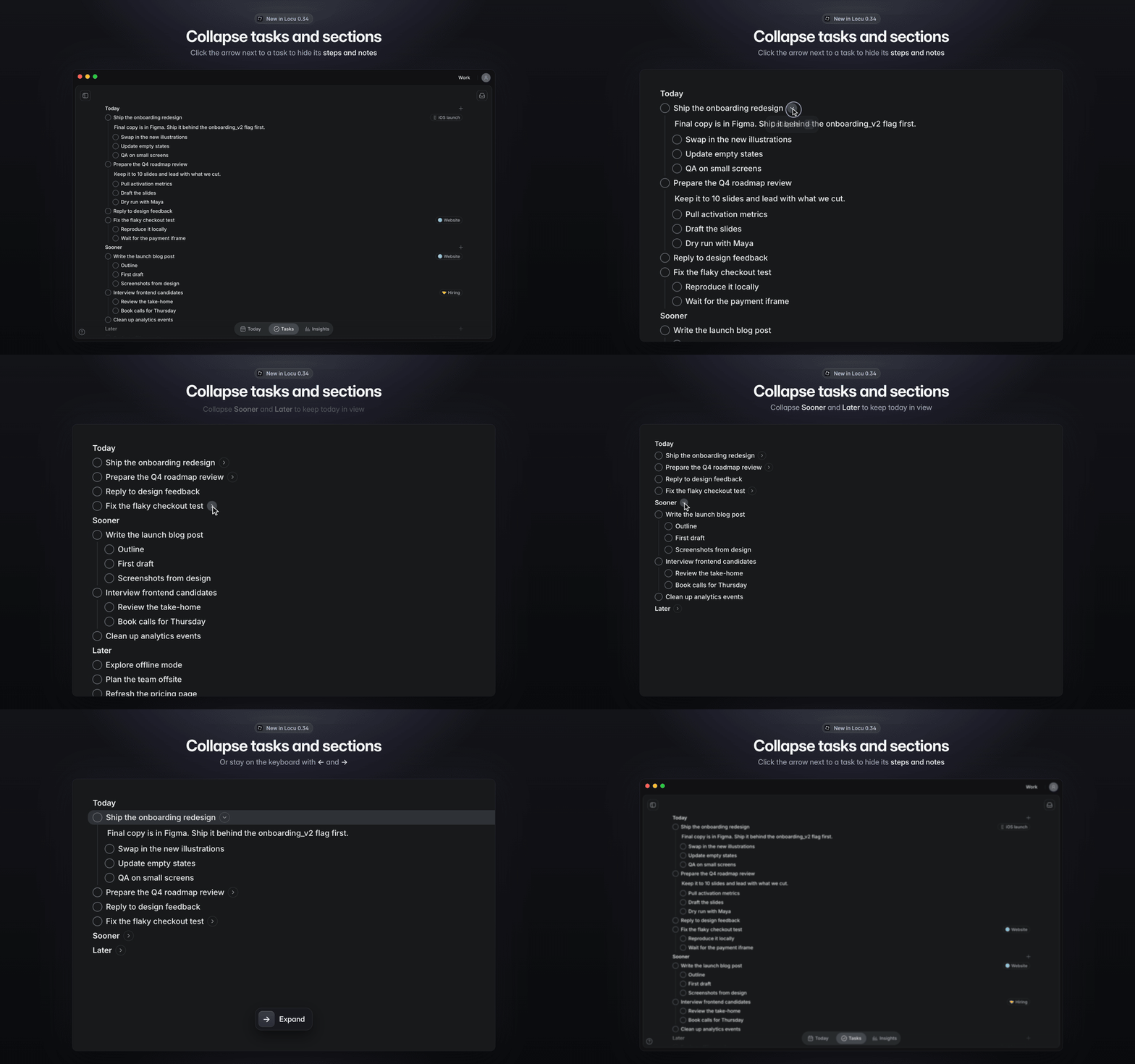
Collapse tasks and sections. This was the most-voted request on our feedback board. Thanks to everyone who voted for it. When every task has steps and notes, a list gets long fast. Now you can tuck them away.

  • Hover a task with steps or notes and click the arrow next to its name to hide them. Click it again to bring them back.

  • Collapse Today, Sooner or Later when you don't need a whole section on screen.

  • On the keyboard, ← collapses the selected task or section and → expands it. Collapse and Expand are in the right-click menu too.

  • Collapsing is shared across the Tasks page, Today's Priority, Planning and project views, and it syncs to your other devices.

  • Adding a step or notes to a collapsed task expands it, so you can see what you added. The + button on a collapsed section expands it too.

Bug fixes:

  • Fixed a blank main window after signing in with a second account on the same computer (v0.33.0)

  • Fixed a blank window when Locu started minimized or in the background

  • If the window fails to load, Locu now reloads it instead of leaving it empty

  • Batch of smaller bug fixes and stability improvements
v0.33.2 - Session Timeline Revamp, Focus Mode Menu & More

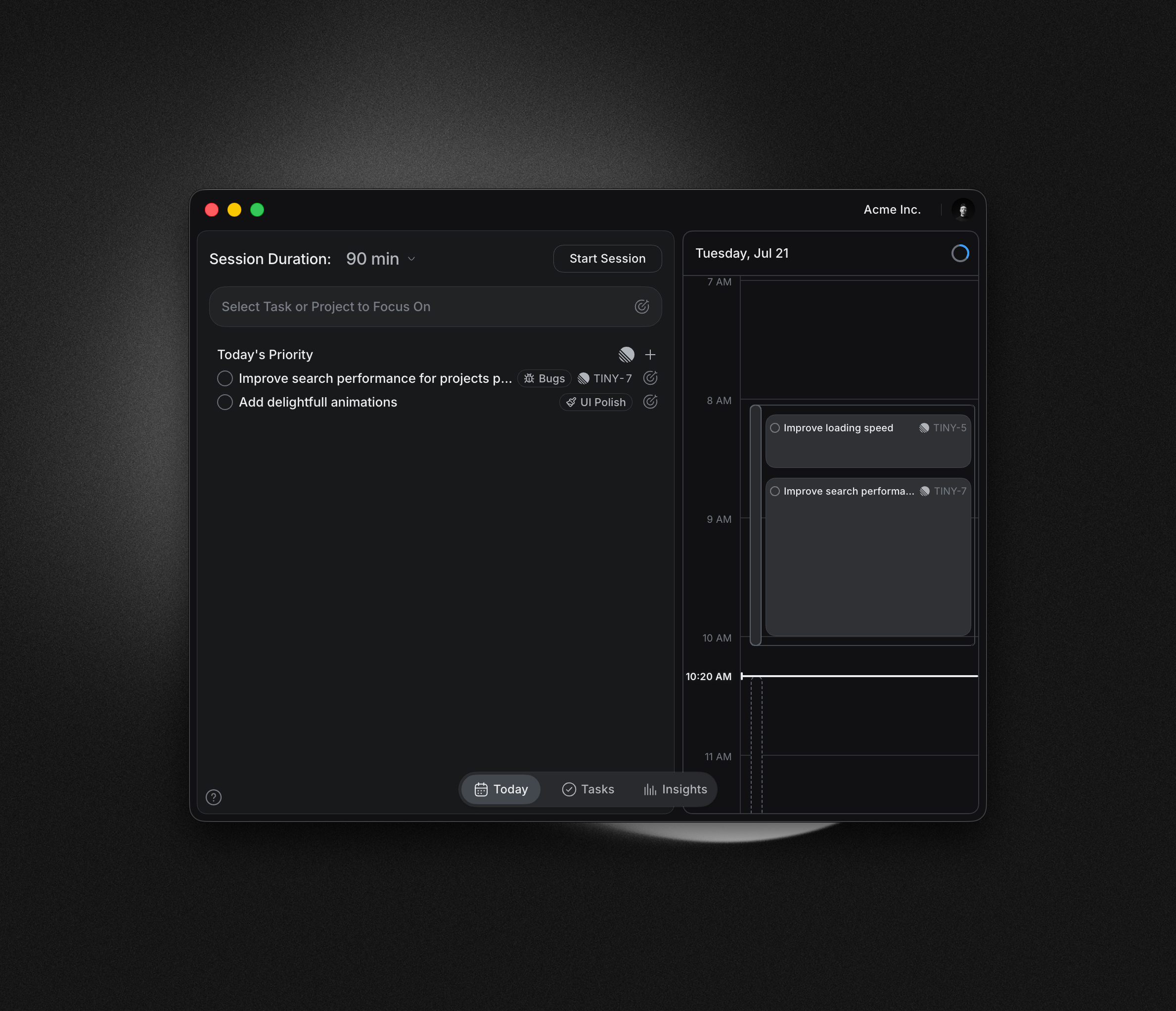
  • Session Timeline Revamp — Editing your timeline is now far more powerful and precise:

    • Resize sessions and activities from either edge — neighboring events make room in real time as you push into them

    • Everything snaps to session bounds and neighboring edges, so events land perfectly flush (hold Alt to disable snapping)

    • Drag a task from your list straight into a session — it's placed smartly as a new activity

    • Drag inside a session to create a new task activity right where you want it

    • Two resize modes for sessions: crop or stretch the activities inside

    • Undo now fully restores sessions and activities after a resize

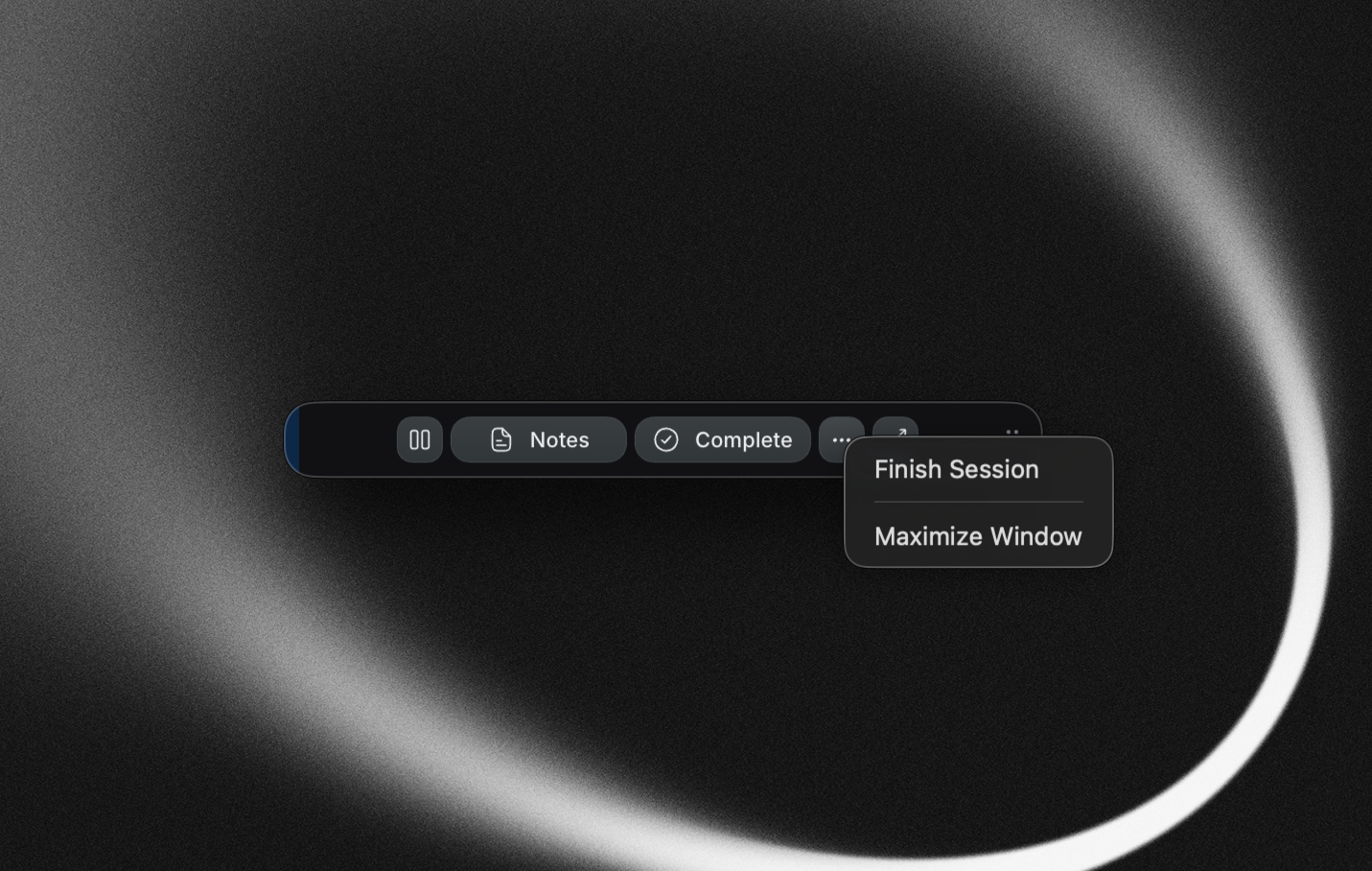
  • Focus mode overflow menu — New "…" button in the focus mode strip opens a native menu with Finish Session, Mark as Waiting, and Maximize Window — no more actions clipped by the compact window

  • Insights now include completed tasks for a fuller picture of your progress

  • Copy an integration task's name as a link to share it quickly

  • Upgraded the editor engine for better stability and performance

  • Bug fixes:

    • Fix long URLs overflowing task items and toggle blocks

    • Fix Insights project picker dropdown appearing behind the modal

    • Fix slash menu and tag suggestion popup glitches in the editor

  • Other bug fixes and stability improvements
v 0.32.0 - Project Sessions, New Insights Tab, Mermaid Diagrams & More

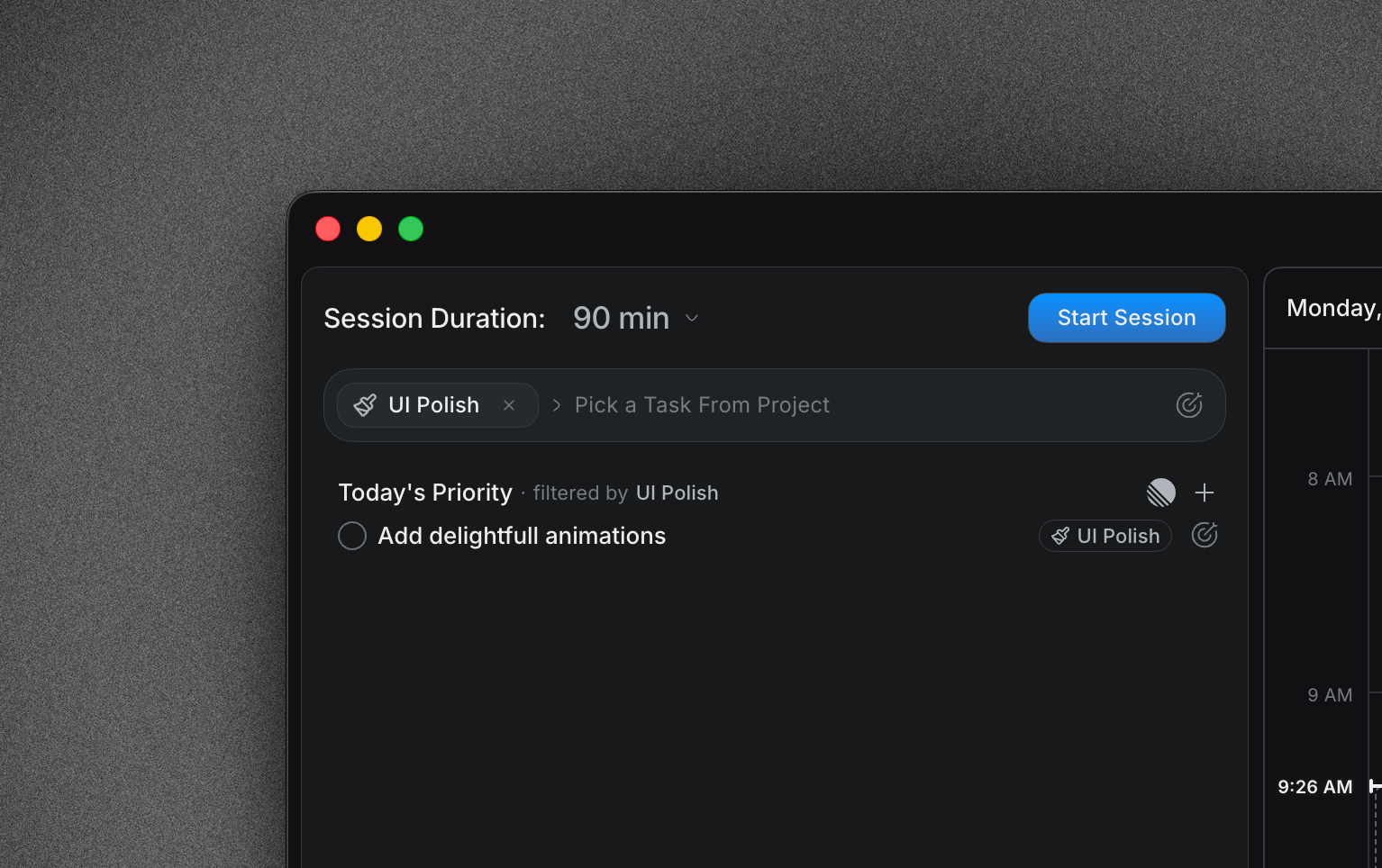
  • Project Sessions — You can now assign a project to a session. Time you track gets attributed at the project level automatically, and the session picker shows recent project sessions for one-click resume.

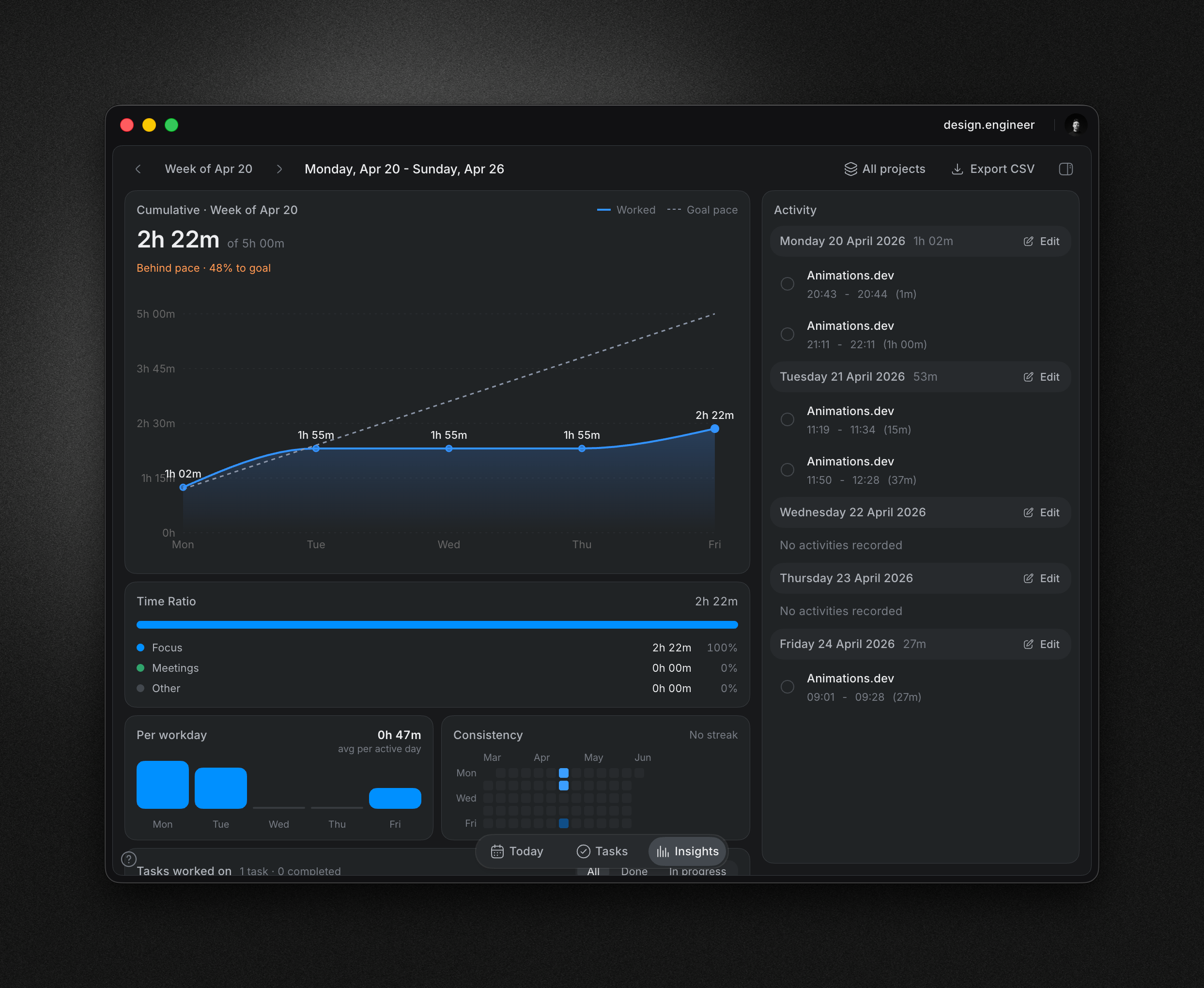
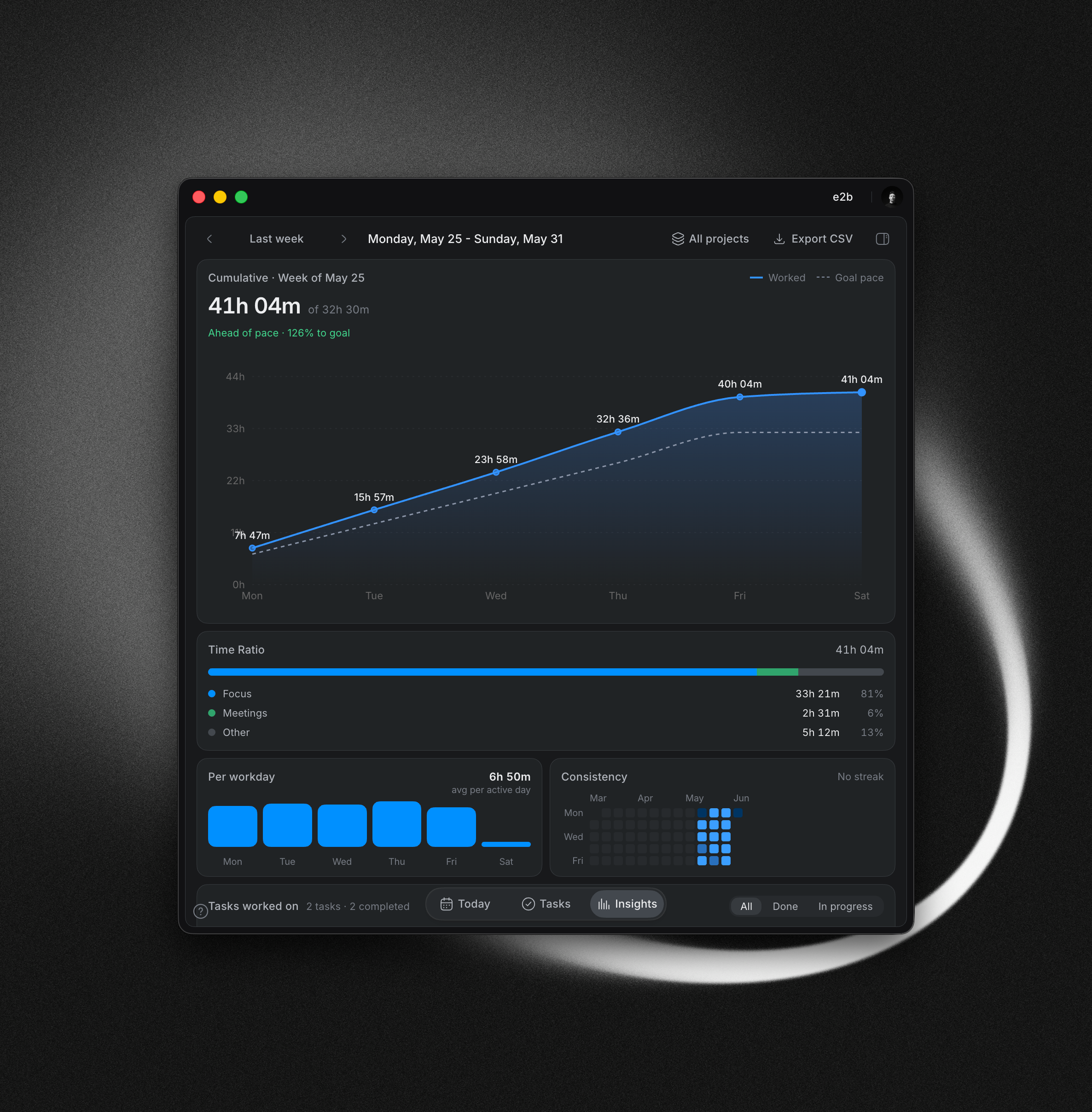
  • New Insights tab — Notes have moved into the Tasks tab, and a refreshed Insights tab takes their place in the sidebar. Review your progress with a cleaner layout, filter insights by project, and track a new cumulative goal-pace card that shows whether you're on track to hit your goal.

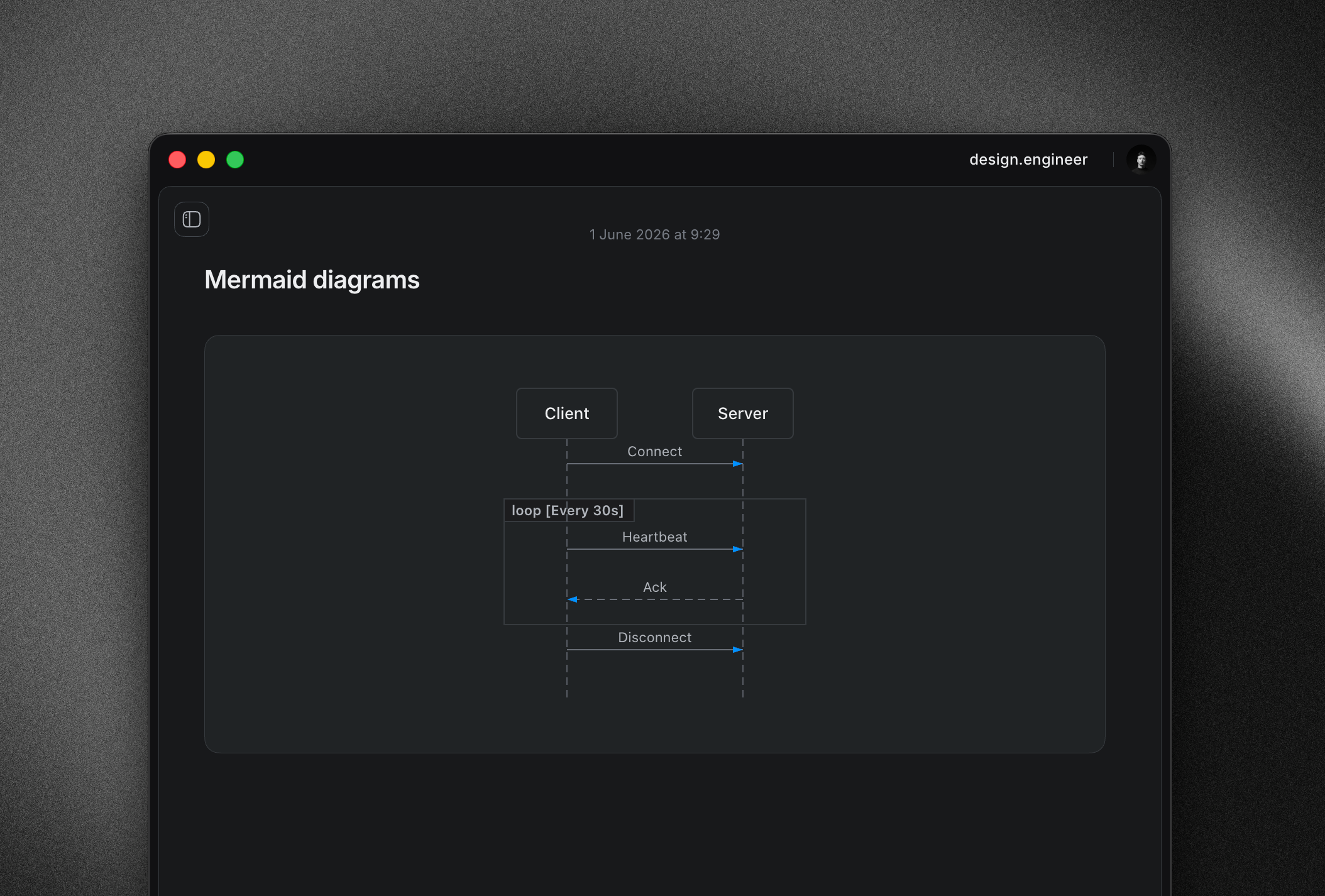
  • Beautiful Mermaid diagrams in notes — Write Mermaid syntax inside any note or task and it renders as a polished diagram inline — great for flows, architecture sketches, and breakdowns.

  • Simplified goals — Removed the separate Focused Work (deep work) goal to keep daily targets clean and focused on what matters.

  • Bug fixes:

    • Fix breakdown item insert behavior

    • Fix ordered-list numbering in the editor

    • Fix Tab key behavior inside modal editors

    • Fix "Waiting" tag clipping

    • Fix meetings sort order in Floating Notes

    • Fix timeline popover stacking

  • Other bug fixes and stability improvements
Earlier updates